"Configure Java runtime" gives no option to install macOS arm64 JDK #2201

Description

I just opened a java project on an arm64 Mac for the first time, and the extension isn't providing an option to install an arm64 jdk (or recognizing my current jdk).
Environment
- Operating System: macOS 12 (arm64)
- JDK version: 11.0.2
- Visual Studio Code version: 1.62.0
- Java extension version: 1.0.0
Steps To Reproduce
- Install Zulu build of openjdk 11 through IntelliJ
2. JDK seems to live at~/Library/Java/JavaVirtualMachines - Install VS Code and the java extension
- Get message saying that Java 11 or newer must be installed
- Click the blue text to open the configuration page
- Observe no aarch64 download link. (the
installed JDKstab cannot find my jdk install, but perhaps that has something to do with how I installed Zulu, or something as described in URGENT- "Java 11 or more recent is required to run. Please download and install a recent JDK" #1543 (comment))
Current Result
VS Code offers to install x64 java.
Expected Result
VS Code offers to install aarch64 java.
Additional Information
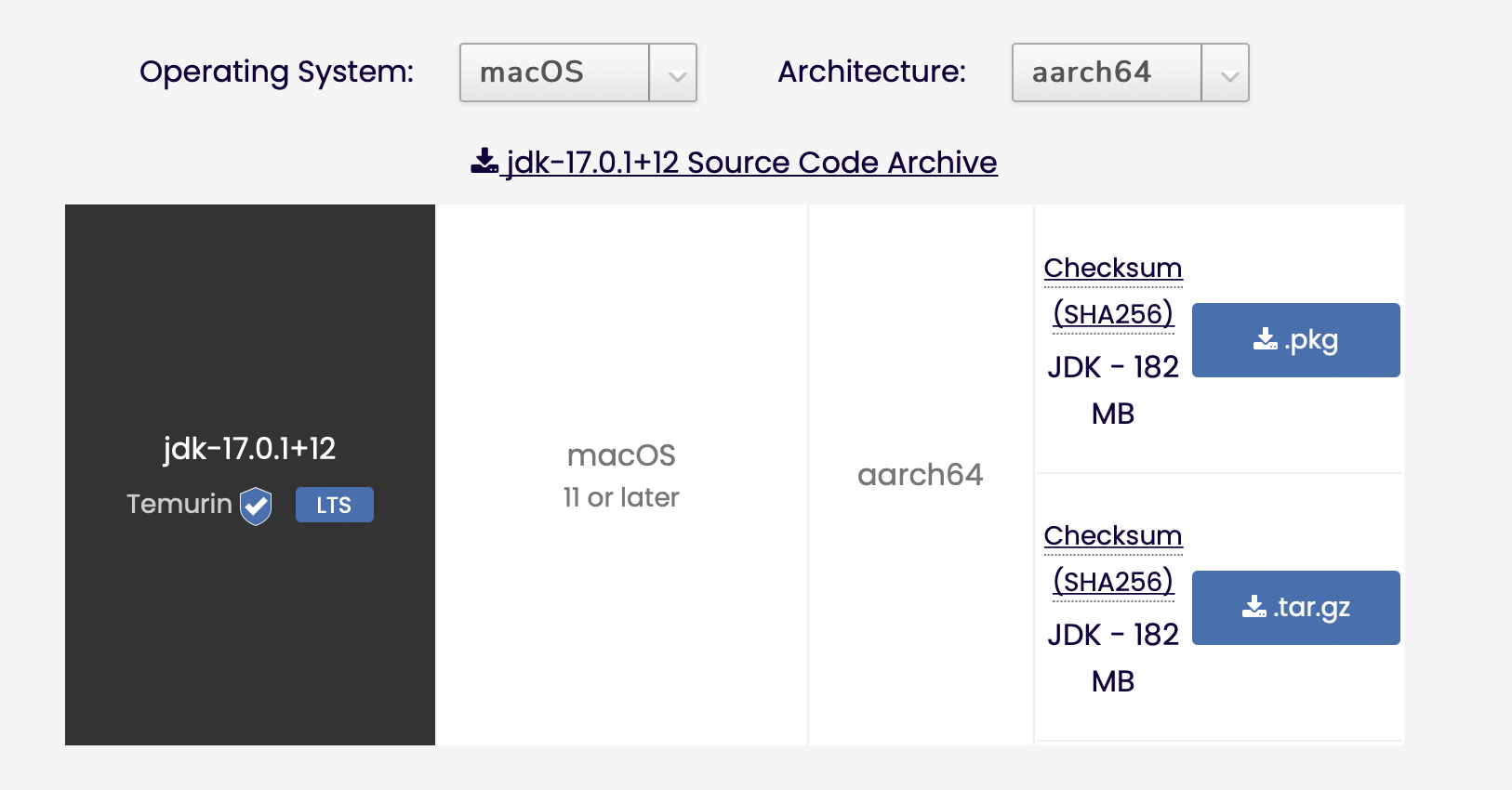
Observe that the install options given are only for Mac x64 and not ARM64, even though adoptium.net has aarch64 builds of jdk17 for macOS. I would be glad to help contribute a fix, but I'm not sure of where the relevant code is in the codebase, and I didn't have any success with a GitHub search.
What I see when opening the configure java runtime page:

adoptium.net, showing the availability of JDK17 for aarch64: