English | 中文
CodeExpander Pro is a cross-platform text expansion and productivity tool. Type an abbreviation to insert snippets, code templates, or dynamic content—with built-in screenshot & annotation and clipboard management for developers, writers, and daily work.
Platforms: macOS (Intel / Apple Silicon), Windows 10+


| Snippet editor | Screenshot & annotation |
|---|---|
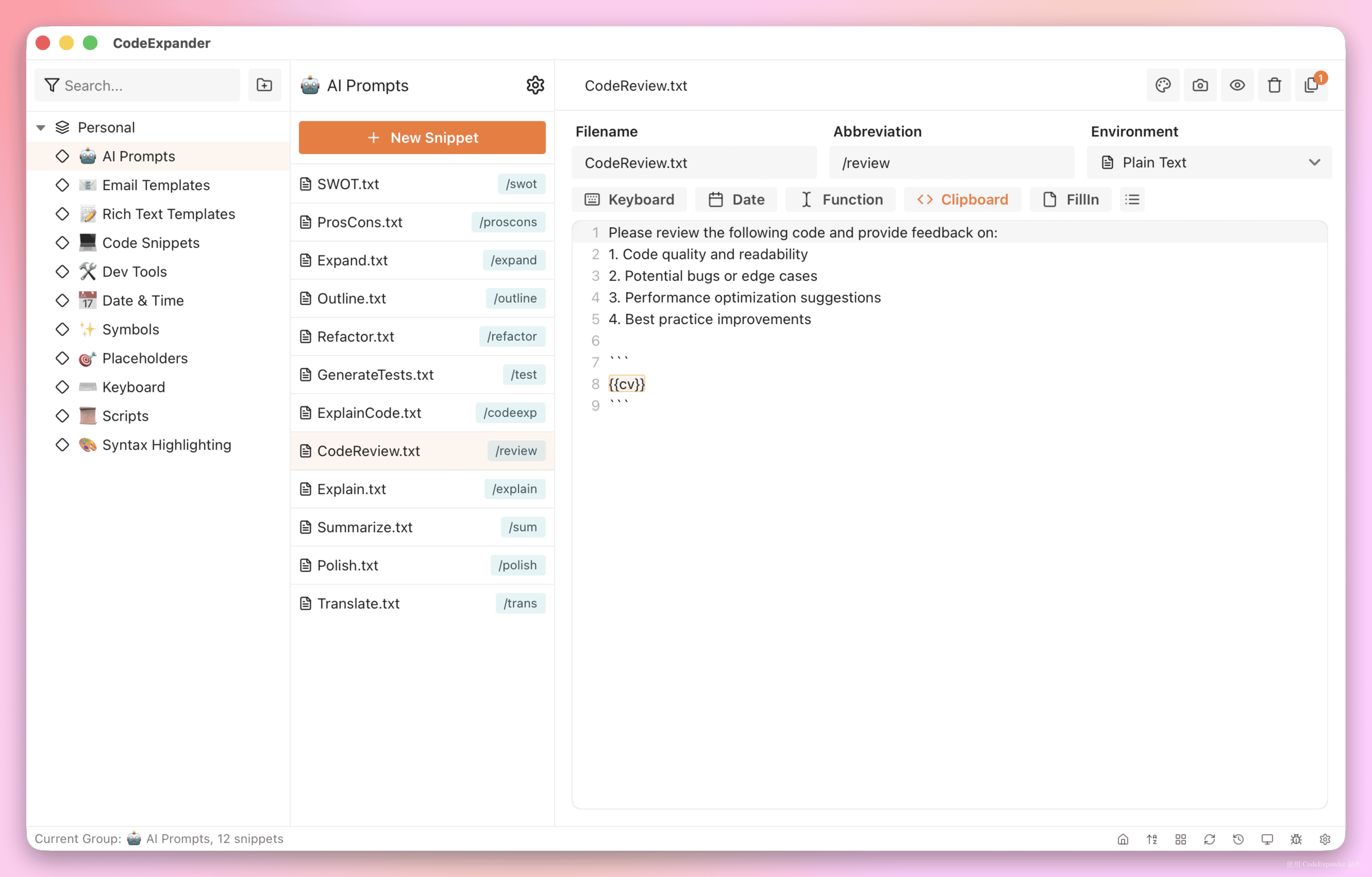 |
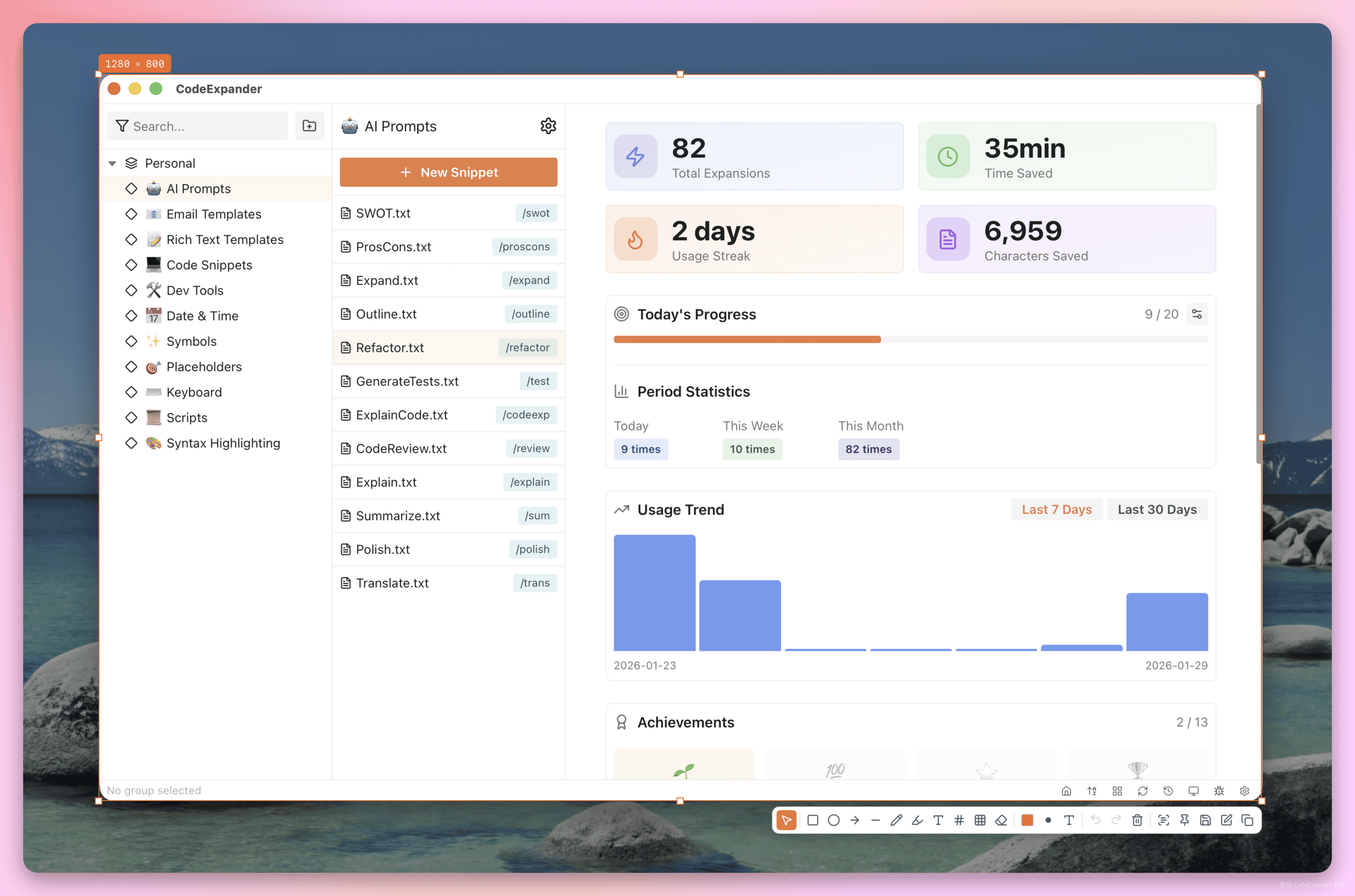 |
| Clipboard history | Cloud sync & settings |
|---|---|
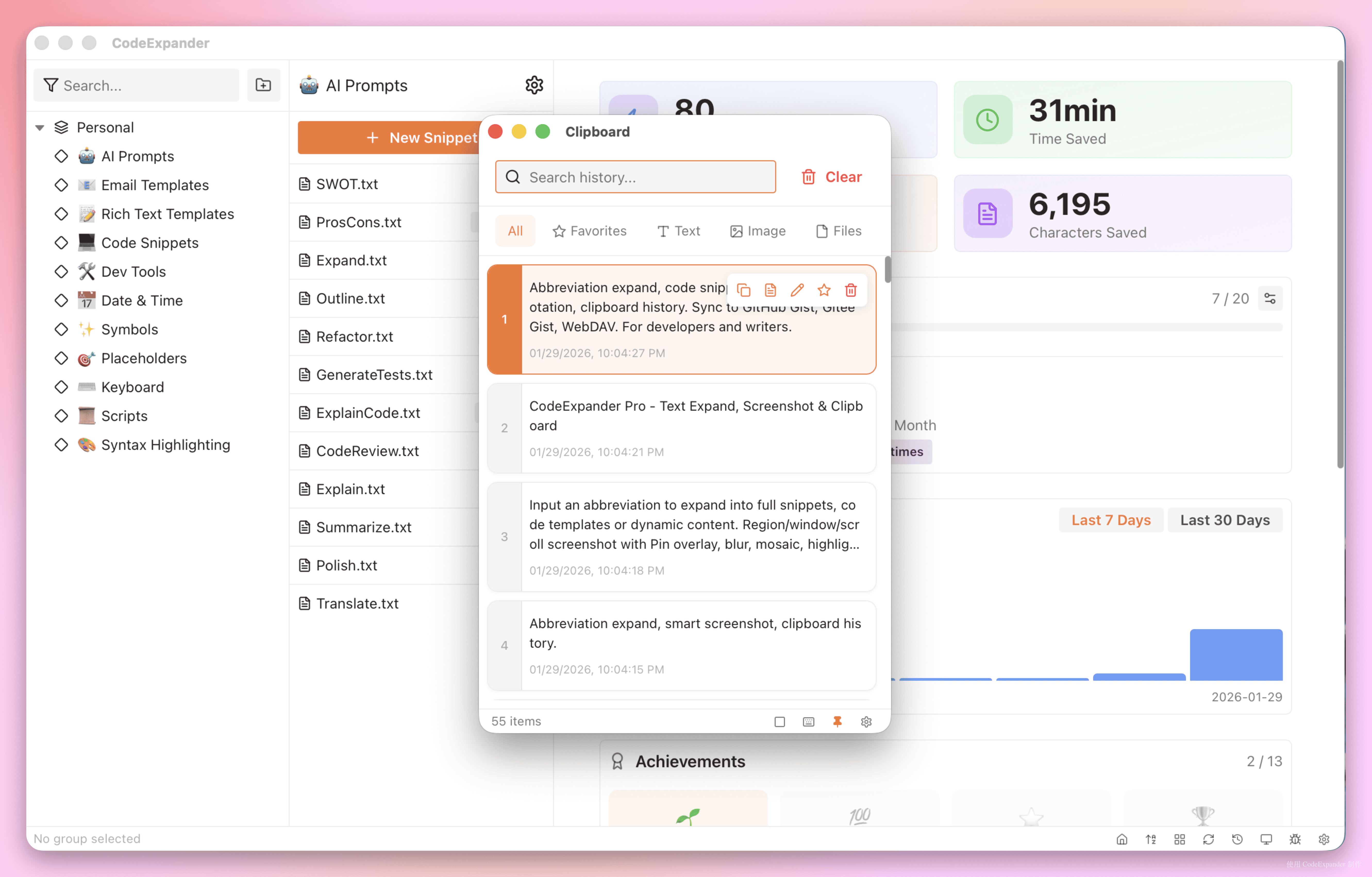 |
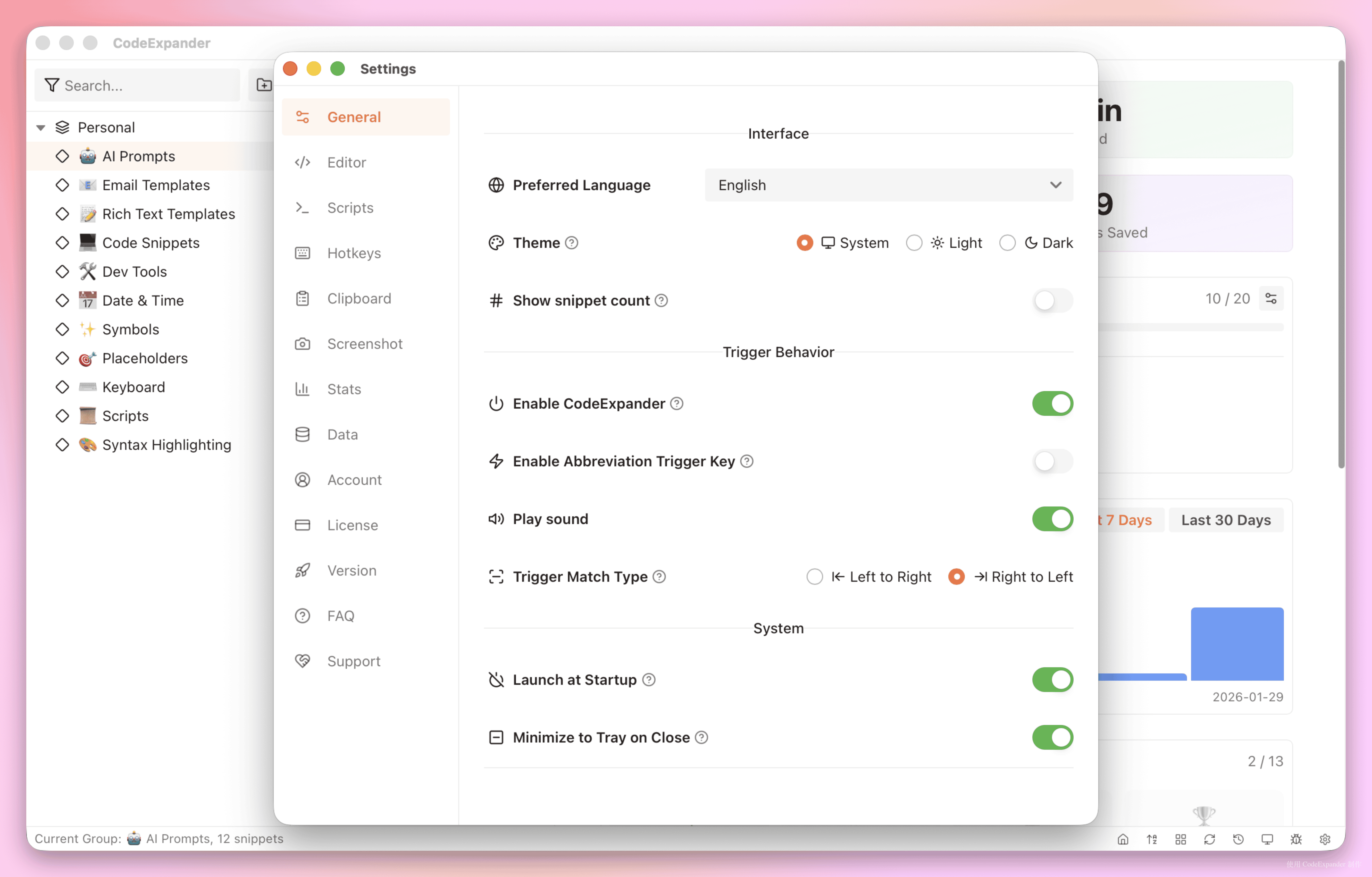 |
| Category | Description |
|---|---|
| Abbreviation expand | Type abbreviation + trigger key to expand into full snippets or code templates. Tree groups, prefix inheritance, FillIn variables. |
| Screenshot & annotation | Region, window, fullscreen, scroll capture. Pin overlay, blur, mosaic, highlight. Export with device frame. |
| Clipboard history | Auto-record text, HTML, RTF, image, files. Filter by type, search, quick paste. Configurable limit and cleanup. |
| Cloud sync | Sync to your GitHub Gist, Gitee Gist, or WebDAV. Your data, your account. Optional or automatic sync with logs. |
- Plain text · Rich text · Script (JavaScript, Shell, AppleScript, Python, PowerShell)
- Search bar abbreviation · Template variables (
{{date}},{{clipboard}},{{selection}}, etc.)
- Region / window / fullscreen / scroll · Pin overlay · GIF/MP4 recording · Color picker
- Annotation: rectangle, ellipse, arrow, line, brush, text
- Effects: blur, mosaic, highlight, numbered circles
| Platform | Link |
|---|---|
| Windows 10+ | Download (x64) |
| macOS 13+ | Download (Universal) |
Does it support multiple devices?
Pro license supports binding on multiple devices. You can unbind through the official unbind page when switching devices.
How to contact?
Email: contact@once.work
Refund policy?
We do not provide refunds. We can help you with any issues—contact contact@once.work.
Monthly payment?
We do not offer monthly payment plans.
Student discount?
Yes, 50% discount for students. Apply by email: contact@once.work.
Update frequency?
We release updates based on user feedback and needs.
- Website: codeexpander.com
- Contact: contact@once.work
This repository contains the official landing and documentation source; the CodeExpander Pro desktop application is proprietary software.